Score
How To Add An Instagram Widget To Your Website PlQ1jC
Integrating an Instagram widget into your website can significantly enhance your brand's online presence by keeping content fresh and engaging. This strategy not only showcases your social proof and authenticity but also encourages visitor interaction and follower growth, making it a valuable tool for brands looking to strengthen their digital identity.
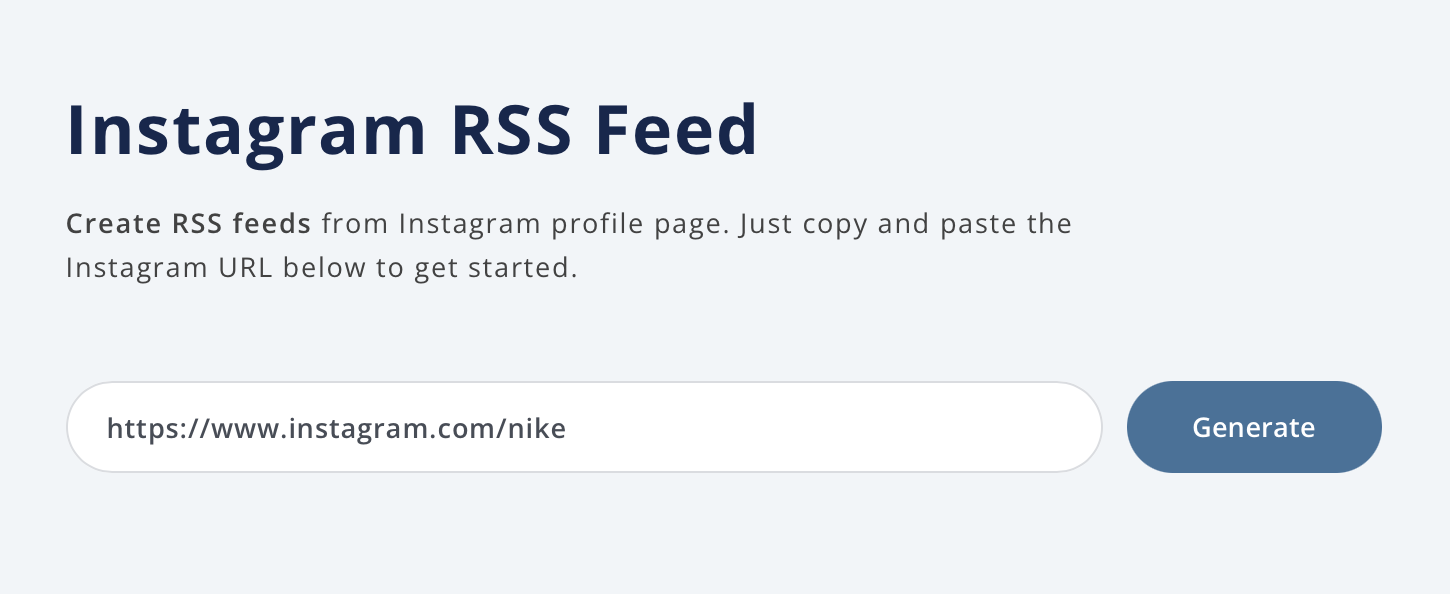
Source: Your Instagram is full of beautiful content—so why keep it locked inside the app? With RSS.app, you can create a customizable Instagram widget and embed it directly on your website. It’s the easiest way to keep your site fresh, visual, and in sync with your social presence. Whether you're a creator, brand, small business, or portfolio owner, showcasing your Instagram feed builds credibility and keeps your visitors engaged with real-time visual updates. Step 1: Generate an Instagram RSS Feed 1. Go to the Instagram RSS Feed Generator. 2. Paste the URL of any public Instagram profile and click Generate. 3.
Click Save to My Feeds to keep it in your dashboard. You now have a feed that updates automatically as new posts are published. Step 2: Create and Customize Your Widget 1. Head to the Widgets tab in your dashboard. 2. Choose a layout that matches your site’s vibe—Grid, Carousel, or Card are great for Instagram. 3. Customize fonts, colors, post spacing, and number of posts displayed. Step 3: Embed the Widget on Your Website 1. Click Add to Website to generate the embed code. 2.
Copy the code and paste it into your website’s HTML (or use the embed block in platforms like Squarespace, Webflow, or WordPress). Your Instagram widget will now appear live on your site—and update automatically as you post new content on Instagram.. Why Add an Instagram Widget? Keep your website content fresh without manual updates Boost visual engagement with real-time photo and video content Build trust by showing social proof and authenticity Encourage more profile visits and follower growth Bring Your Feed to Life Don’t let your best content live on just one platform.
With RSS.app, turning your Instagram feed into a website widget is simple, flexible, and takes just a few minutes. Try it now with your Instagram profile and give your site a visual upgrade. Want to try RSS feeds? Create your first feed in minutes.
While adding an Instagram widget can enhance online presence, it is a common practice and not a groundbreaking strategy, but it remains relevant for brand strategy professionals looking to improve engagement.
Weekly digest
Get the Signal digest
Every Monday morning — the top 3 brand trends, 10 high-signal articles, and one emerging signal to watch.
No spam. Unsubscribe anytime.