Score
How To Showcase Customer Reviews With Rss Feeds 9srQow
Incorporating dynamic customer reviews into your website through RSS feeds can significantly enhance brand strategy by fostering trust and authenticity. By showcasing real-time testimonials, brands can keep their content relevant and engaging, ultimately leading to higher customer conversion rates and loyalty.
Source: If you’ve ever bought something based on a glowing review, you already know the power of social proof. What if you could take that same energy and stream it right onto your website—automatically? With RSS.app, you can display fresh customer reviews, testimonials, product ratings, or even Reddit threads and tweets that mention your brand. You’ll keep your content current, boost trust with visitors, and improve your site’s authenticity—all without constantly copying and pasting quotes. Why Showcasing Reviews Matters Reviews aren’t just compliments—they’re one of the most persuasive forms of content you can publish.
They provide validation, demonstrate real-world results, and speak in the voice of your audience. But most businesses only post a few on their site and call it a day. Static testimonials get stale. What customers want to see is relevance: what are people saying right now? RSS feeds give you a way to keep your testimonial section fresh, dynamic, and authentic. Step 1: Choose Where to Pull Reviews From 1. Start by identifying where your brand is getting the most organic feedback. This could be a Trustpilot profile, a product page on Amazon or Etsy, a Reddit thread, a Twitter search result, or your own testimonial blog posts. 2.
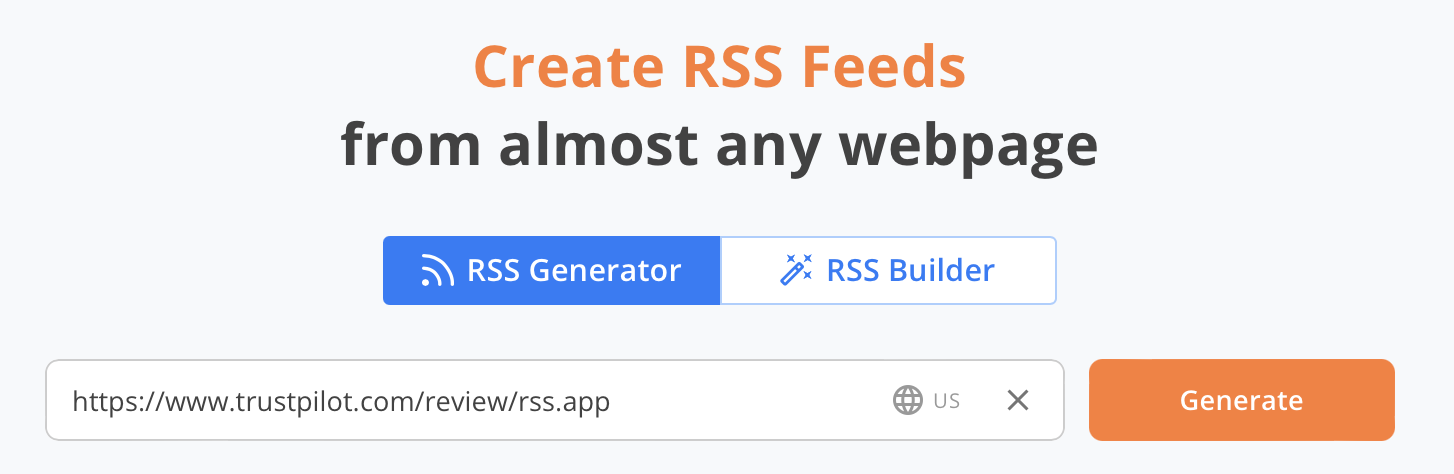
Grab the URL of that page and go to our RSS Generator. 3. Paste the link and click Generate. 4. Click Save to My Feeds. Want more control? You can enter keywords like your product name, brand, or a hashtag to monitor review-related chatter across platforms. Step 2: Build Your Widget Once your feed is live, head over to the Widgets tab. The best layouts for showcasing reviews are usually: Carousel – great for rotating featured reviews List – clean and readable for testimonials News Wall – ideal for layouts with images Customize the design to match your website’s look and feel. Tweak the font, colors, padding, and number of items shown.
You can even filter by keywords to surface only your most glowing mentions. Then click Add to Website, copy the embed code, and place it into your site builder. From Static to Social Proof The old way to showcase reviews? Collect, curate, manually add them to a page. The better way? Let your customers do the talking—live. With RSS.app, your best feedback becomes part of your content strategy. Set it up once, and your site will keep updating itself with the voices that matter most: your customers. Want to try RSS feeds? Create your first feed in minutes.
The article discusses a practical method for enhancing brand strategy through customer reviews, which is relevant but not groundbreaking in the industry.
Weekly digest
Get the Signal digest
Every Monday morning — the top 3 brand trends, 10 high-signal articles, and one emerging signal to watch.
No spam. Unsubscribe anytime.