Score
How To Get Your Emails In Discord Using Rss Feeds Fg5jPd
Integrating email updates into Discord using RSS feeds can significantly enhance team communication and workflow efficiency. By centralizing important alerts and updates in a platform where teams already collaborate, brands can reduce inbox clutter and ensure that critical information is easily accessible and organized.
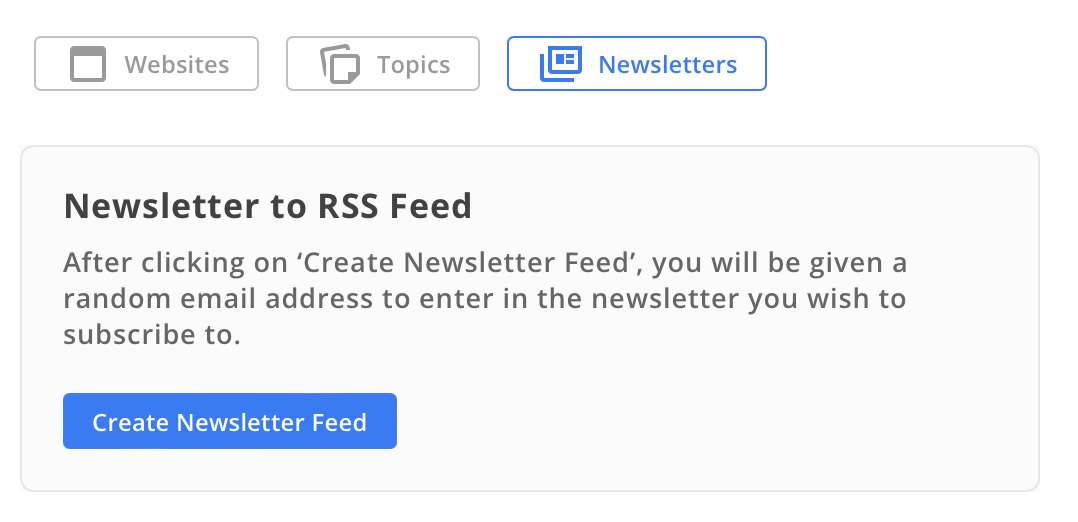
Source: Wish you could read your emails where your team actually hangs out? Whether you're managing a project, running a community, or just tired of inbox clutter, sending your emails straight to Discord can be a game changer. With RSS.app, you can turn any email newsletter or update into an RSS feed and pipe it directly into your Discord server. From product alerts and weekly digests to receipts and reports—if it hits your inbox, you can forward it to a channel your team actually checks. Step 1: Create a Newsletter Feed in RSS.app 1. Go to the Newsletter RSS Feed Generator. 2. Click Create Newsletter Feed. 3.
You’ll see a custom email address provided by RSS.app. Use that email to subscribe to any newsletter, mailing list, or update source you want to receive. 4. Give your feed a name and click Save. Now any email sent to that address will appear in your RSS feed. Step 2: Connect Your Feed to Discord 1. Open your feed and click the Discord icon. 2. Login to Discord and authorize the RSS.app bot to post in your server. 3. Choose the channel where emails should appear. 4. Click Save, and you’re done. Now, emails sent to that special address will start showing up as posts in your Discord server.
Clean, automatic, and perfectly formatted. Tips for Smarter Email Routing Create separate feeds for different types of emails (announcements, invoices, updates). Use keyword filters to limit what gets posted in Discord Use the Actions tab to add mentions or ignore posts if they contain certain keywords. Why Bring Emails into Discord? Centralizing updates in Discord helps your team: Respond faster to important alerts Stay aligned without checking multiple inboxes Reduce noise and keep comms in one place Plus, you get searchable, organized access to content that would otherwise get buried in someone's inbox. Try It Now Getting started is quick,
and you only have to set it up once. Ready to simplify your workflow and make email updates actually useful again? Create your first email-to-Discord feed at RSS.app. Want to try RSS feeds? Create your first feed in minutes.
While integrating email with Discord using RSS feeds can improve team communication, it is a niche topic with limited impact on the broader brand/design industry.
Weekly digest
Get the Signal digest
Every Monday morning — the top 3 brand trends, 10 high-signal articles, and one emerging signal to watch.
No spam. Unsubscribe anytime.