Score
How To Get Your Emails In Telegram Using Rss Feeds OnDbR4
The integration of email newsletters into Telegram via RSS feeds presents a strategic opportunity for brands to streamline communication and enhance user engagement. By simplifying the way consumers receive updates, brands can reduce inbox fatigue and improve the overall experience, making their messaging more actionable and accessible.
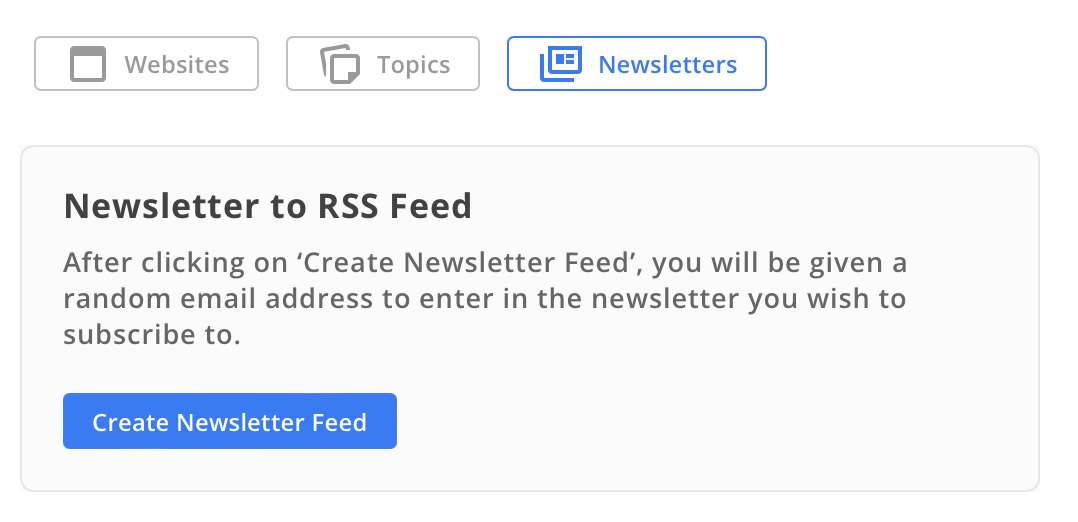
Source: Tired of digging through your inbox to stay on top of newsletters, alerts, and subscriptions? What if you could get your favorite emails sent directly to Telegram—so you can read everything in one clean, distraction-free space? With RSS.app, you can turn any email newsletter into an RSS feed and forward it straight to Telegram. It’s a powerful way to simplify your inbox, centralize updates, and make sure nothing important slips through the cracks. Here’s how to do it. Step 1: Create a Newsletter Feed with RSS.app 1. Go to the Newsletter RSS Feed Generator. 2. Click Create Newsletter Feed. 3.
You’ll see a custom email address provided by RSS.app. Use that email to subscribe to any newsletter, mailing list, or update source you want to receive. 4. Give your feed a name and click Save. Now any email sent to that address will appear in your RSS feed. Step 2: Connect the Feed to Telegram 1. Add the bot (@news_alerts_rss_bot) to your group or channel. 2. Go to your Feed and click the Telegram icon. 3. Log in to Telegram and authorize RSS.app to post on your behalf. 4. Choose where to receive updates: your personal DMs, a group, or a channel. 5.
Select the destination from the dropdown and click Save. Now your incoming emails will start appearing as Telegram messages, keeping everything streamlined and mobile-friendly. Bonus Tips You can create multiple newsletter feeds for different topics (e.g., industry news, product updates, receipts). Combine multiple feeds into a bundle if you want to receive all updates in a single Telegram stream. Use filters to include or exclude certain keywords from showing up in Telegram. Why This Setup Rocks Forwarding emails to Telegram isn’t just convenient—it’s transformative. You get faster notifications, better organization, and less inbox fatigue.
Plus, Telegram lets you search, pin, and forward messages, making your newsletters and alerts more actionable than ever. Whether you’re a newsletter addict, a community manager, or just someone trying to tame their inbox, this trick will change the way you consume email. Ready to try it? Get started now at RSS.app. Want to try RSS feeds? Create your first feed in minutes.
The article discusses a practical integration of email and messaging platforms that could enhance brand communication, making it moderately impactful and relevant, though the concept of using RSS feeds is not entirely new.
Weekly digest
Get the Signal digest
Every Monday morning — the top 3 brand trends, 10 high-signal articles, and one emerging signal to watch.
No spam. Unsubscribe anytime.