Score
Transform Your Email Newsletters Into Rss Feeds FXwA5y
The introduction of RSS.app's Newsletter RSS feed feature signifies a strategic shift in how brands can consolidate and distribute their content, enhancing user engagement by providing a streamlined and personalized content delivery system. This approach not only simplifies the user experience but also allows brands to maintain a consistent presence across multiple platforms, ultimately fostering stronger relationships with their audience.
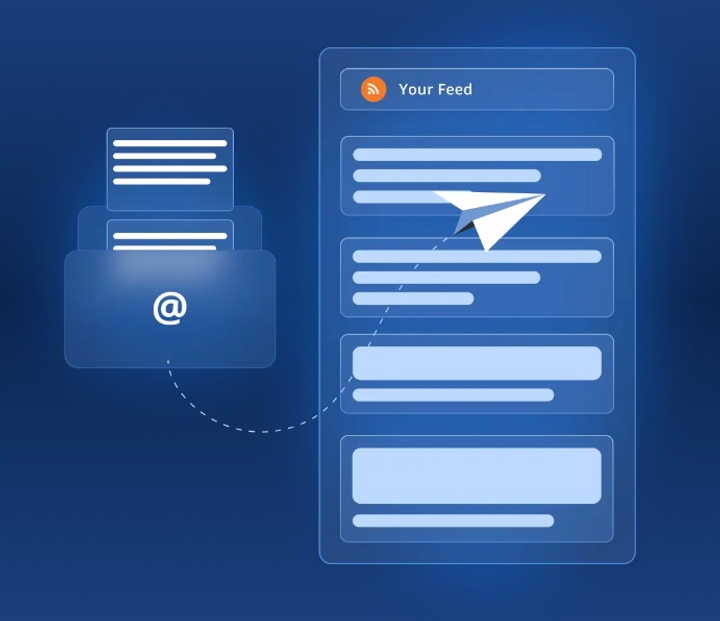
Source: Introducing RSS.app’s effortless method to merge email newsletters into your own personalized RSS feed! Our innovative Newsletter RSS feed feature enables you to create a unique email address solely for newsletter subscriptions. This eliminates the hassle of navigating through different platforms to find news or information, as it ensures that relevant and engaging content is directly and conveniently consolidated in one accessible location. How to follow your favorite newsletters with RSS feeds: 1. Click ‘+ New Feed’ 2. Select ‘Newsletters’ 3.
Select a newsletter you're interested in (In this example, I’ll use the ‘Growth Archive’ newsletter) and click ‘Create Feed’ 4. Now that the feed is created, you’ll need to subscribe to the newsletter. 5. Copy the email address we provide and click ‘Subscribe’. This will take you to the newsletter where you will need to paste the email address you just copied and click 'Subscribe’. 6. That’s it! Once a new post is published in the newsletter, you will receive it in your RSS feed! The specific newsletter in this example posts every Monday.
So once a week, I’ll get a new post sent to my feed. If you are looking to follow your own newsletter, skip step 3. Instead, complete step 1 and 2, then enter the name you would like to have for your newsletter and click ‘Create Newsletter Feed’. Follow step 5 to subscribe to the newsletter of your choosing. What else can I do with my Newsletter RSS feed? Add your newsletter RSS feed to your website using our customizable RSS widgets. RSS feeds help you stay up-to-date with the latest content from your favorite sources and topics without having to visit each site individually.
These feeds automatically update so you will always receive new articles, blog posts, podcasts, and videos, as soon as they're published. RSS feeds are completely customizable and allow you to choose your sources, combine your feeds into one, and filter your feed to show only the most relevant content. Send the RSS feed to your email to receive the latest news alerts. Want to try RSS feeds? Create your first feed in minutes.
The introduction of a feature that transforms email newsletters into RSS feeds is significant for brands looking to enhance content distribution, offers a novel approach to content delivery, and is highly relevant for brand strategy professionals seeking to improve user engagement.